Aimbot · 8 min read · 2026-09-17
CS2 Aimbot Settings
Tune the CS2 FACEIT aimbot: smooth aim, FOV control, bone selection and visible check so tracking stays readable.
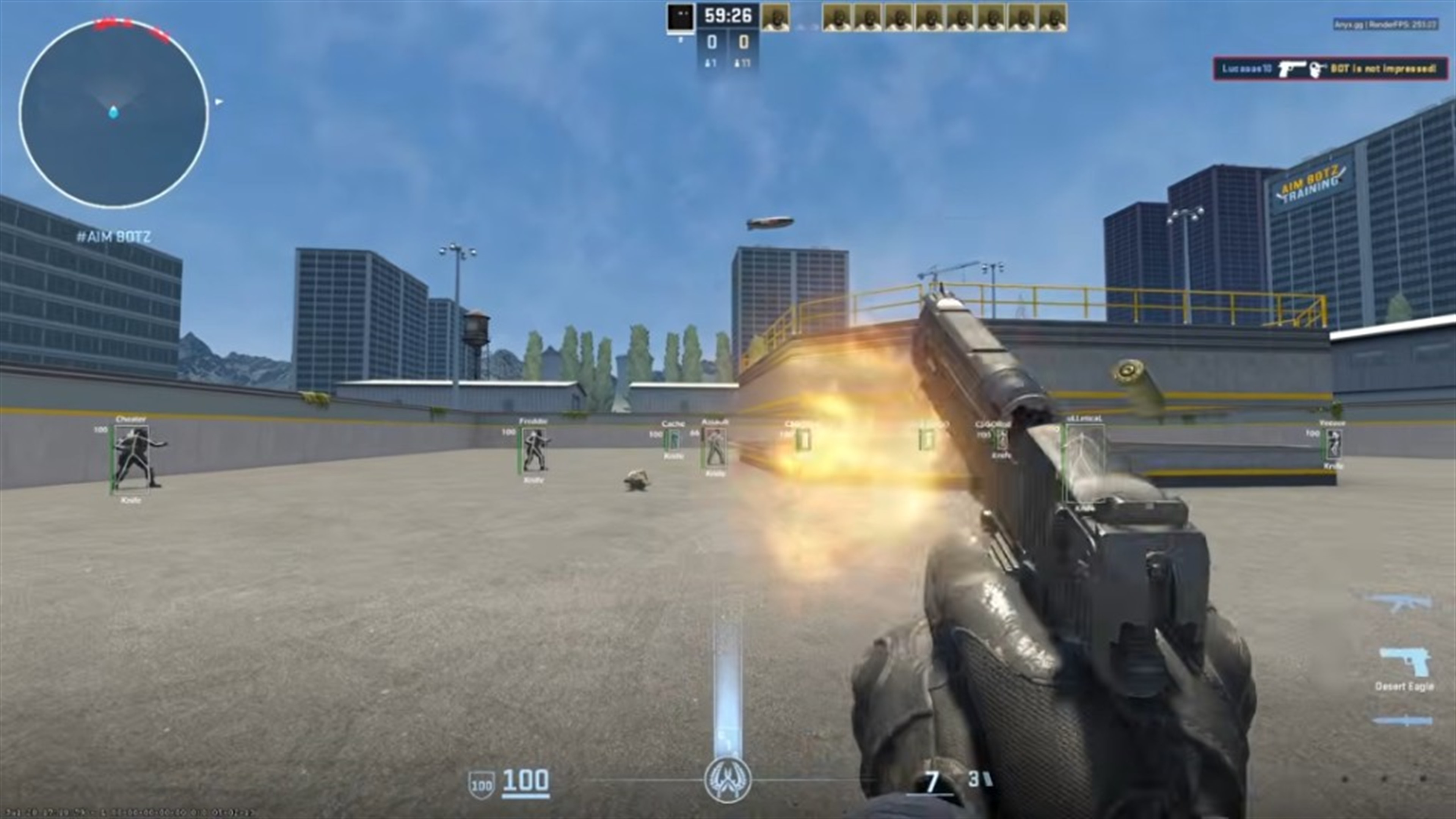
Start conservative
A hard snap is the fastest way to look wrong on a FACEIT demo. Start with a tight FOV, heavier smoothing and a body bone before you try a head bone.
Confirm live FACEIT status first. Aimbot settings cannot save an outdated build after a Counter-Strike 2 patch.
FOV, bones and smoothing
FOV is the assist cone. A small FOV reads as tracking. A huge FOV reads as a magnet across the site.
Bone selection covers the hitboxes the menu exposes. Pick one bone and stay with it while you test.
Smooth aim is the stealth setting. Higher smoothing is slower. Lower smoothing is snappier.
Visible check
Keep the visible check on so the aimbot does not pull toward players behind solid cover.
Save a config
Save a quiet ESP-first config and a slightly stronger aim config. Licenses for CS2 FACEIT cheats start from $35 on buycs2cheats.com.
Ready for CS2 FACEIT Cheats?
Check live FACEIT compatibility, then buy ESP, wallhack, radar and aimbot for Counter-Strike 2 on buycs2cheats.com. Need help? Read CS2 Cheats support or player reviews . Own the game on Steam .